How to Upgrade Magento 2.4.x to the 2.4.6 Version
A step-by-step guide to upgrading Magento 2.4.x to 2.4.6 with Composer: backups, maintenance mode, database upgrade, compilation, reindexing, cache, and testing.
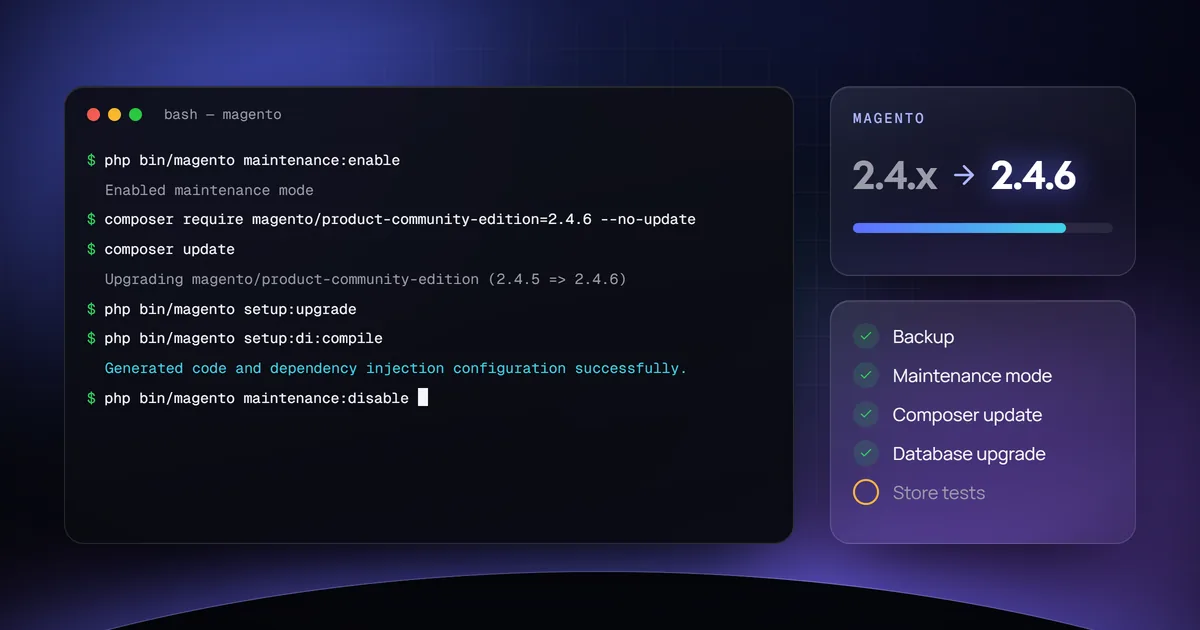
The short answer
To upgrade Magento 2.4.x to 2.4.6, back up your files, database, and composer.json; enable maintenance mode; require magento/product-community-edition 2.4.6 with Composer and run composer update; run setup:upgrade; compile the code and reindex; clear the cache; disable maintenance mode; and test the store. Check extension and theme compatibility first, and rehearse the upgrade on a staging copy.
Key takeaways
- Back up the files, the database, and composer.json before changing anything.
- Put the store in maintenance mode, then upgrade the code with Composer and the database with setup:upgrade.
- Compile, reindex, and clear the cache before taking the store out of maintenance mode.
- Confirm that extensions, themes, and server requirements (such as the PHP version) support the target release, and test on staging first.
This guide walks through upgrading a Magento 2.4.x store to version 2.4.6 with Composer. The same process applies to later 2.4 releases; before you start, check Adobe’s system requirements for the target version (PHP, MySQL or MariaDB, and the search engine).
Step 1: Back up your store
Before making any changes, it’s crucial to back up your Magento store. This includes your database, files, and the composer.json file.
Back up files and database
- Files: Use a file manager or FTP client to copy your Magento files to a safe location.
- Database: Use a tool like phpMyAdmin or a command-line utility to export your database.
Back up the composer.json file
cp composer.json composer.json.bakStep 2: Enable maintenance mode
This will prevent your live site from being affected during the upgrade process.
php bin/magento maintenance:enableStep 3: Upgrade Magento via Composer
-
Require the new Magento version. This command updates the
composer.jsonfile to require the new version (for Adobe Commerce, usemagento/product-enterprise-edition):composer require magento/product-community-edition=2.4.6 --no-update -
Update dependencies. Run the update to install the new version:
composer update
Step 4: Update the database
After updating the files, you need to update the Magento database schema.
php bin/magento setup:upgradeStep 5: Compile the code and reindex
Run the following commands to make sure everything is set up correctly.
php bin/magento setup:di:compile
php bin/magento indexer:reindex
If your store runs in production mode, also deploy the static content:
php bin/magento setup:static-content:deployStep 6: Clear the cache
Clear the cache to ensure that your store functions correctly with the new version.
php bin/magento cache:clean
php bin/magento cache:flush
Step 7: Disable maintenance mode
Once the upgrade process is complete, turn off maintenance mode.
php bin/magento maintenance:disableStep 8: Test your store
After the upgrade, thoroughly test your store to ensure that all functionalities are working as expected.
Additional notes
- Check extensions and themes: Ensure that all your extensions and themes are compatible with Magento 2.4.6.
- Test in a development environment: If possible, perform these steps in a staging or development environment first before applying them to your live store.
This process assumes you have shell access to your server and are familiar with basic Magento administration and server management. If you’re not comfortable performing these steps, consider seeking assistance from a Magento developer.